We make it easy to review the history of your purchases, returns, and refunds right from your account.
Where to Find Your History
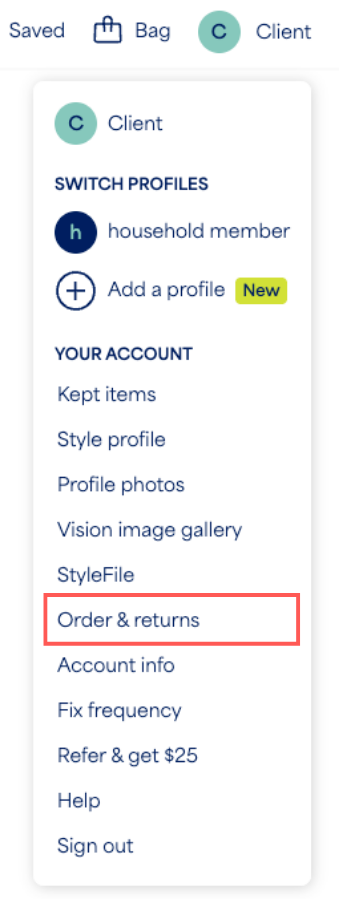
Your purchase and return/refund history can be found on the Orders & Returns page of your account:
- Log in to your Stitch Fix account
- Select your profile icon with your initial
- Select Orders & returns from the menu
- From there, scroll through your items and select View details or return items for more information
What You Can Review
Once on your Orders page, you can review the full details of your Fix and Stitch Fix Freestyle™ purchases.
- Purchase History: Review the details of any of your past purchases, whether from a Fix or the Freestyle shop
- Return Status: Check the status of items you’ve returned
- Refunds: Review the details of processed refunds
- Payment Method: See what payment method was used for your purchase


