We offer a flexible service that allows you to stop automatic, recurring Fix deliveries whenever needed. This will switch your account to on-demand shipments, allowing you to resume your deliveries anytime.
Canceling Your Fix Frequency
- Log in to your Stitch Fix account
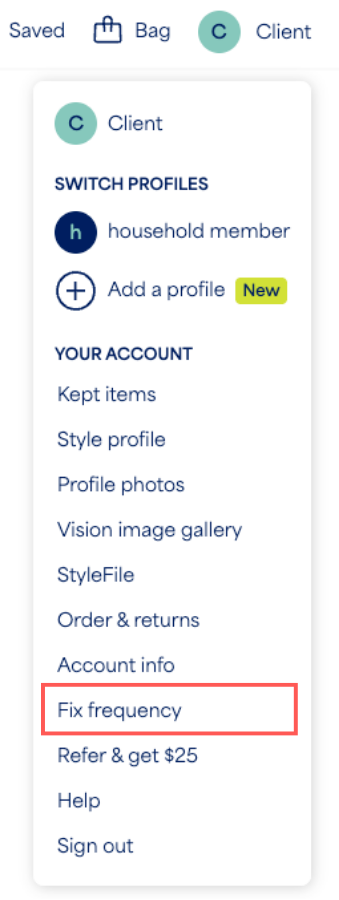
- Select the profile icon with your initial
- Select Fix frequency from the menu
- Select Manage Fix frequency
- Select Proceed to cancel and let us know why you want to stop
- Select Confirm cancel
Additional Information
- Restarting Automatic Deliveries: You can resume at any time by returning to the Fix frequency page and selecting Schedule Fix.
- Account Status: Your account remains active. Keeping an active account makes it easy to return whenever you’re ready, picking up right where you left off. You’ll also be able to schedule on-demand Fixes!
- Stitch Fix Freestyle™: Even when there is no active Fix frequency on your account, you can still shop for items anytime from Stitch Fix Freestyle. This lets you shop personalized items based on your size and style preferences!


