You can check the details of your upcoming Fix and your current Fix frequency directly from your account.
Checking Your Delivery Date
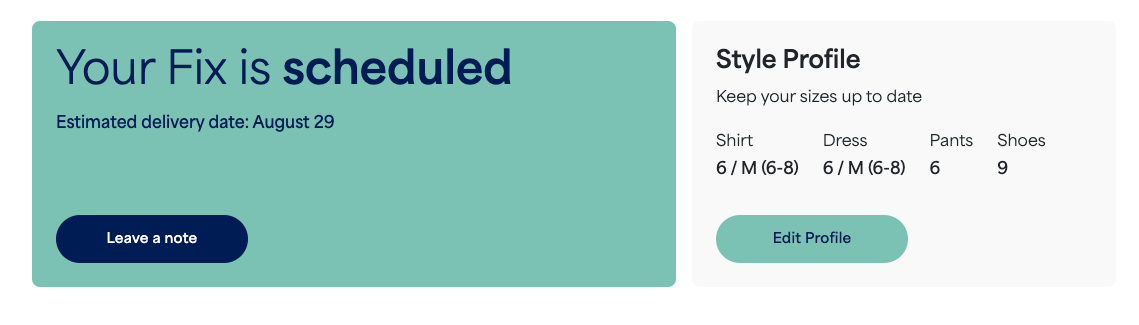
If you have a delivery on the way, you can find your expected delivery date at the top of your homepage.
- We'll send you an email with the tracking information when your order ships.
- To view the delivery date for a Kids Fix or another profile, switch to their profile in your Account menu.
Checking Your Fix Frequency
If you're signed up for automatic deliveries, you can check and manage your current frequency by taking the following steps:
- Log in to your Stitch Fix account
- Select your profile icon with your initial
- Select Fix Frequency
- Select Manage Fix Frequency to view your current setting


