The checkout process is how you purchase the items you love, make exchanges or returns, and how you provide valuable feedback to your Stylist. Before submitting your payment, you'll see a summary of the items you're keeping and a breakdown of your invoice.
Checking Out
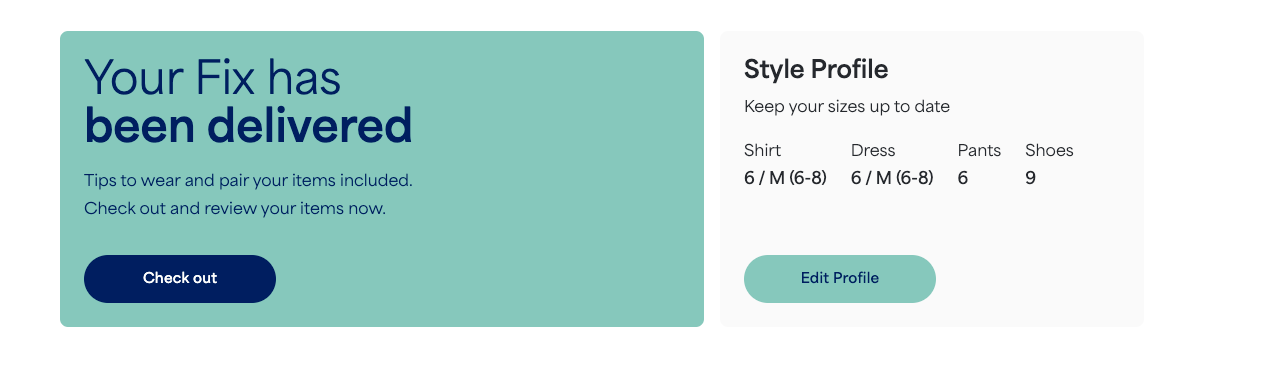
When a Fix delivery arrives, the checkout link will automatically appear on your homepage.
- Go to your homepage of your account
- Select Check out for the current Fix delivery
- Select View summary and check it out
- From here you’ll see your fully Stylist note, Fix items and outfit items
- When ready, select Checkout
- Complete the checkout survey. Items are pre-selected as Keep
- If needed, select Return or Exchange
- Web Browser Only: You also have the opportunity to leave item specific feedback in the comments section
- Provide any additional feedback on your overall Fix experience
- Select the Review your order button at the bottom of the page
- You’ll still be able to review and confirm your order before it’s finalized
- When ready, select Submit your order