You can update your shipping address anytime from your Account page.
Updating Your Shipping Information
- Log in to your Stitch Fix account
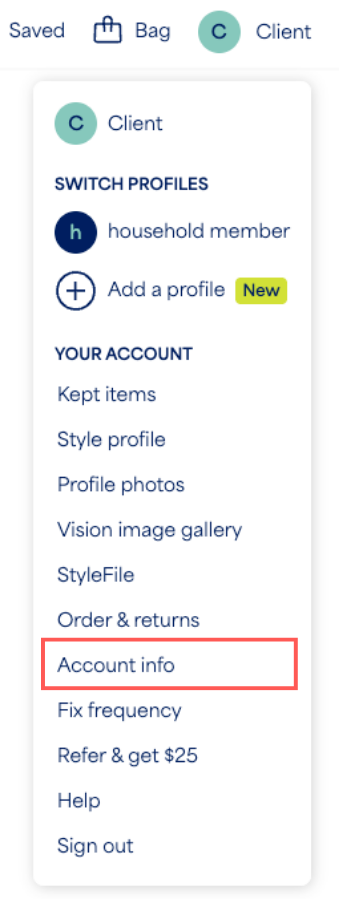
- Select the profile icon with your initial
- Select Account info from the menu
- Edit your shipping address details
- Select Save
Please note that when you update your shipping information, you'll also be prompted to update your payment information as an additional layer of security.
Additional Information
- Fixes on family accounts must all be delivered to the same address. Updating the address for one profile updates it for all members.
- If your package has already shipped or your label has already been printed and you need to change your address, please refer to our My shipment is going to the wrong address article.
- If you experience any errors saving your information, please contact our Support team over chat, text or email.


