We want to make it simple and convenient to share your unique referral link as a way to earn credit towards your purchases.
Referring Friends and Family
- Log in to your account
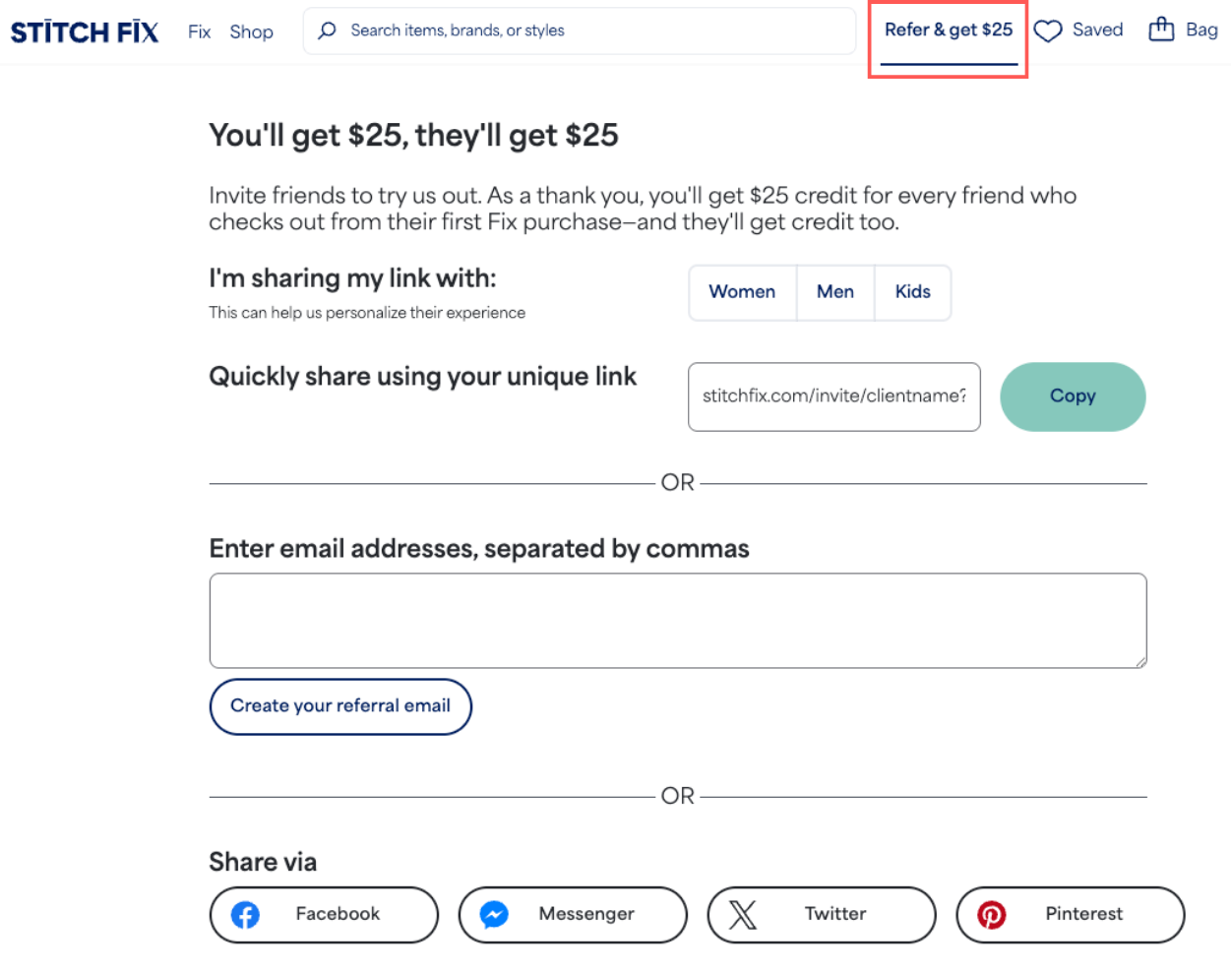
- On the top right-hand corner of your navigation bar, select Refer & get $25
- iOS App Users: from the account menu, select Credit & refer friends
- Copy your link and paste it wherever you like, send your link by email, or share through one of the social options provided
How Referral Credit Works
- After you’ve checked out from your first Fix, your personal referral link becomes active.
- Once your friend receives their first Fix and completes their checkout, you’ll also receive a credit to your Stitch Fix account.
- Credit automatically applies toward your next charge, whether it's a purchase or the styling fee of an upcoming Fix.
- To confirm who’s signed up and if you’ve received credit, check your Referrals page.
Additional Information
- Family Accounts: The referral credit will always apply to the next charge, which could be on another profile.
- Expiring Credit: If you receive a message from us letting you know that your referral credit is expiring, then it’s time to schedule a Fix! The email you received contains information about your expiration timing.
- Referral Limit:You can earn up to $599 in referral credit each calendar year due to US tax regulations.
- You’ll start earning credit again on January 1st of the next calendar year for any new clients who sign up using your link on that day or later.
Thanks for spreading the word about Stitch Fix!


