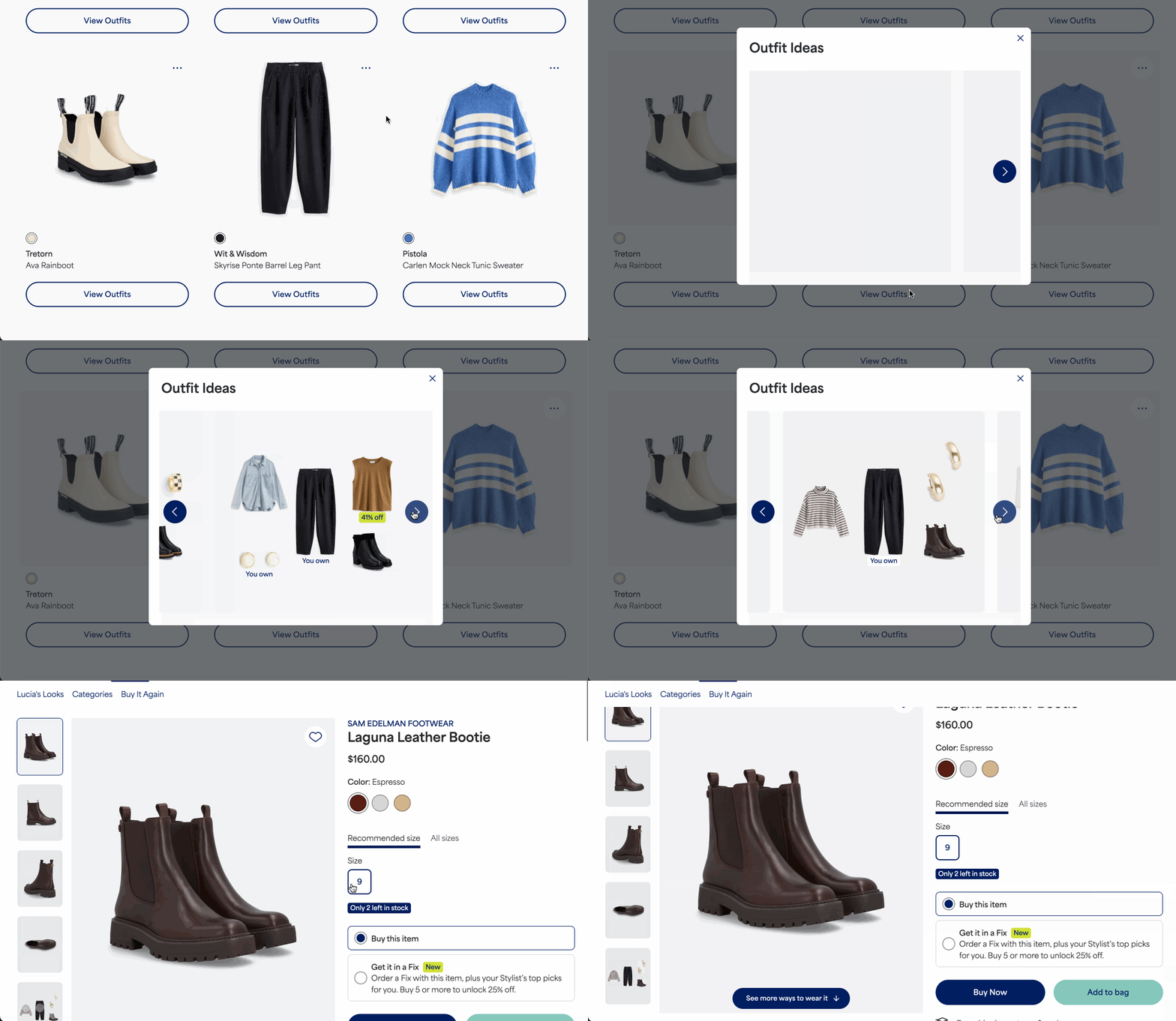
We know how helpful it is to see how new pieces fit into your existing wardrobe! We do our best to make it easy to view personalized outfit ideas, based around items you’ve purchased.
Finding Outfit Inspiration
- Using the web browser, log in to your Stitch Fix account
- Select your profile icon with your initial in the upper right corner
- Select Kept Items from the menu to open your personal wardrobe
- Locate the purchased item you want outfit ideas for
- Select View Outfits below the item's image
- Scroll through the carousel of images to explore the different looks
- If you see an item you like, select it to learn more
- From there you can save it using the heart icon or add it to your bag for purchase